mpl_bsic.apply_bsic_logo#
- mpl_bsic.apply_bsic_logo(fig, ax, scale=0.03, location='top left', logo_type='formal', alpha=1, closeness_to_border=50)[source]#
Apply the BSIC Logo to the Plot.
You can specify the scale, location, type, alpha, and how close the logo is to the border. Since the optimal values for these parameters will value from plot to plot, the suggestion is to tweak them until you find the right values for your plot. Choose the location so that the plot and logo overlap as little as possible.
- Parameters:
- fig
matplotlib.figure.Figure The Figure instance from matplotlib.
- ax
matplotlib.axes.Axes The Axes instance from matplotlib.
- scale
float, optional How much to scale the image, by default 0.03.
- location
Location, optional The location to use for the logo, by default “top left”. Can be “top left”, “top right”, “bottom left”, “bottom right”.
- logo_type
Literal[“formal”, “square”], optional Specify the logo to use, by default “formal”. The Formal logo is the extended one, the Square logo includes only the square.
- alpha
float, optional The alpha to use for the image (if you want transparency), by default 1.
- closeness_to_border
float, optional How close the logo should be to the border. A larger value means the logo will be closer to the border, by default 50.
- fig
See also
mpl_bsic.apply_bsic_styleApplies the BSIC Style to plots.
Examples
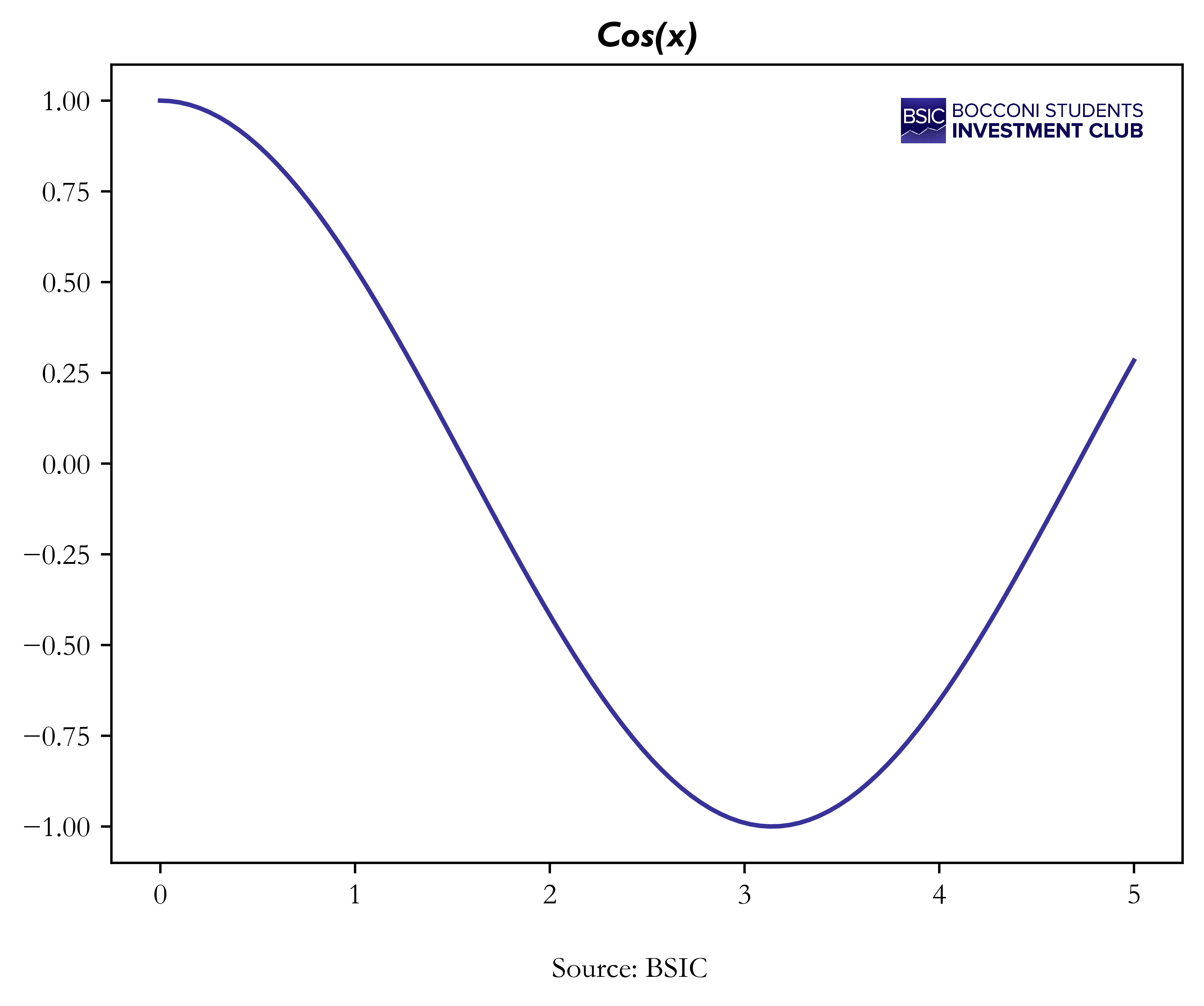
from mpl_bsic import apply_bsic_style, apply_bsic_logo

import matplotlib.pyplot as plt

x = np.linspace(0, 5, 100)
y = np.cos(x)

fig, ax = plt.subplots(1, 1)
ax.set_title('Cos(x)') # set the title before applying the style
apply_bsic_style(fig, ax)
apply_bsic_logo(fig, ax, location='top right', scale=0.03)

ax.plot(x,y)
run_animations(fig) # only needed for the docs, don't call in the actual code
(
Source code,png,pdf)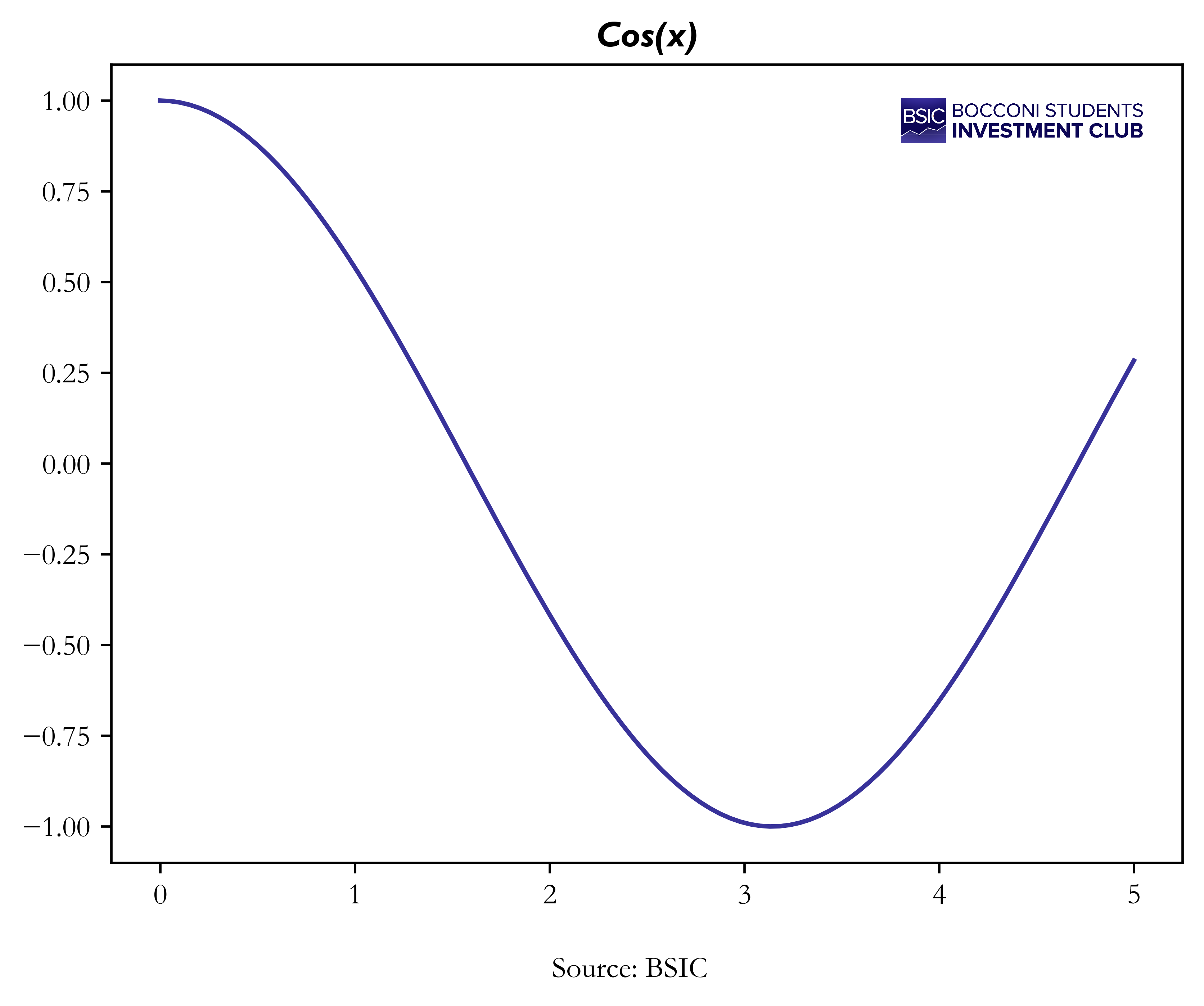
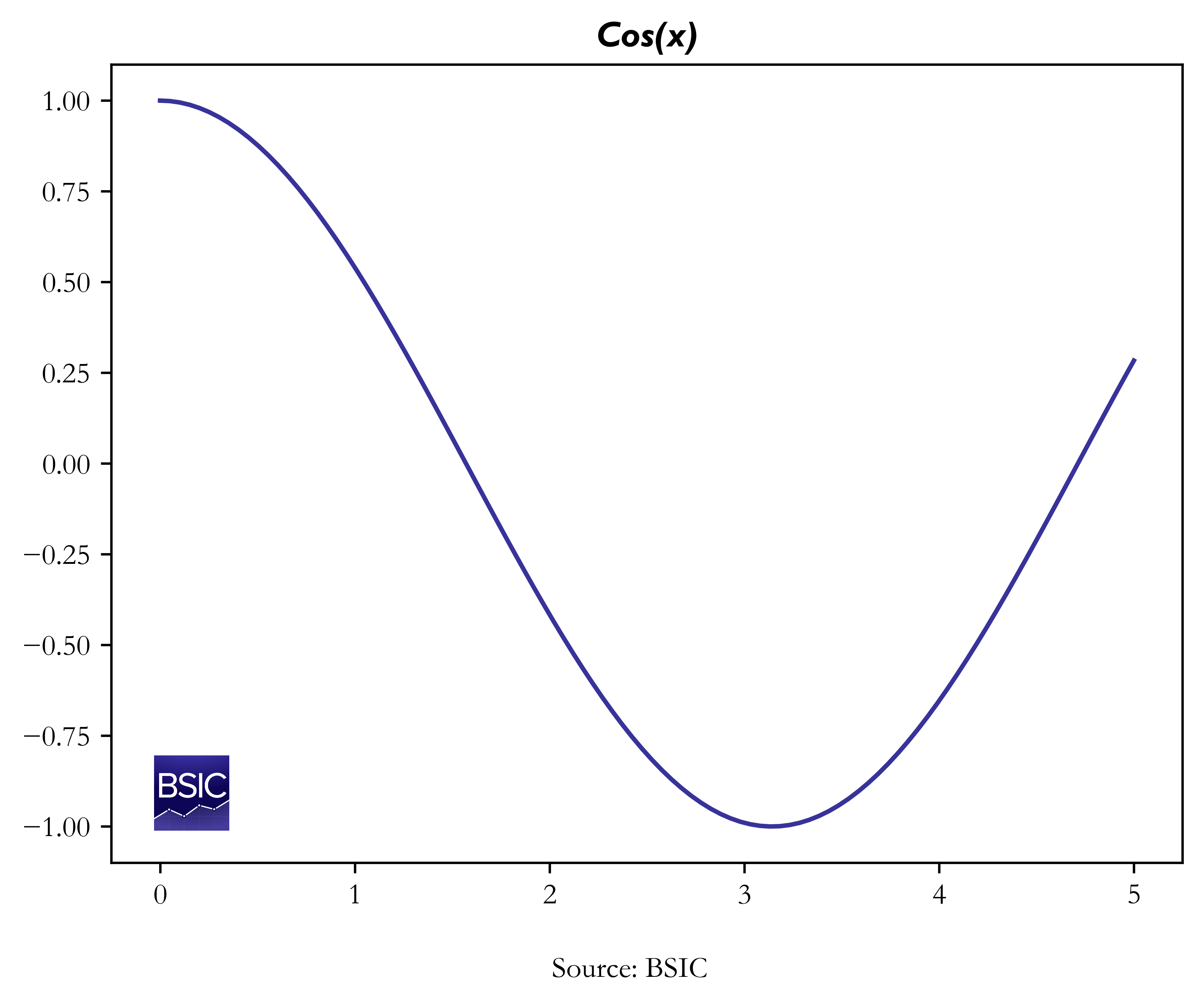
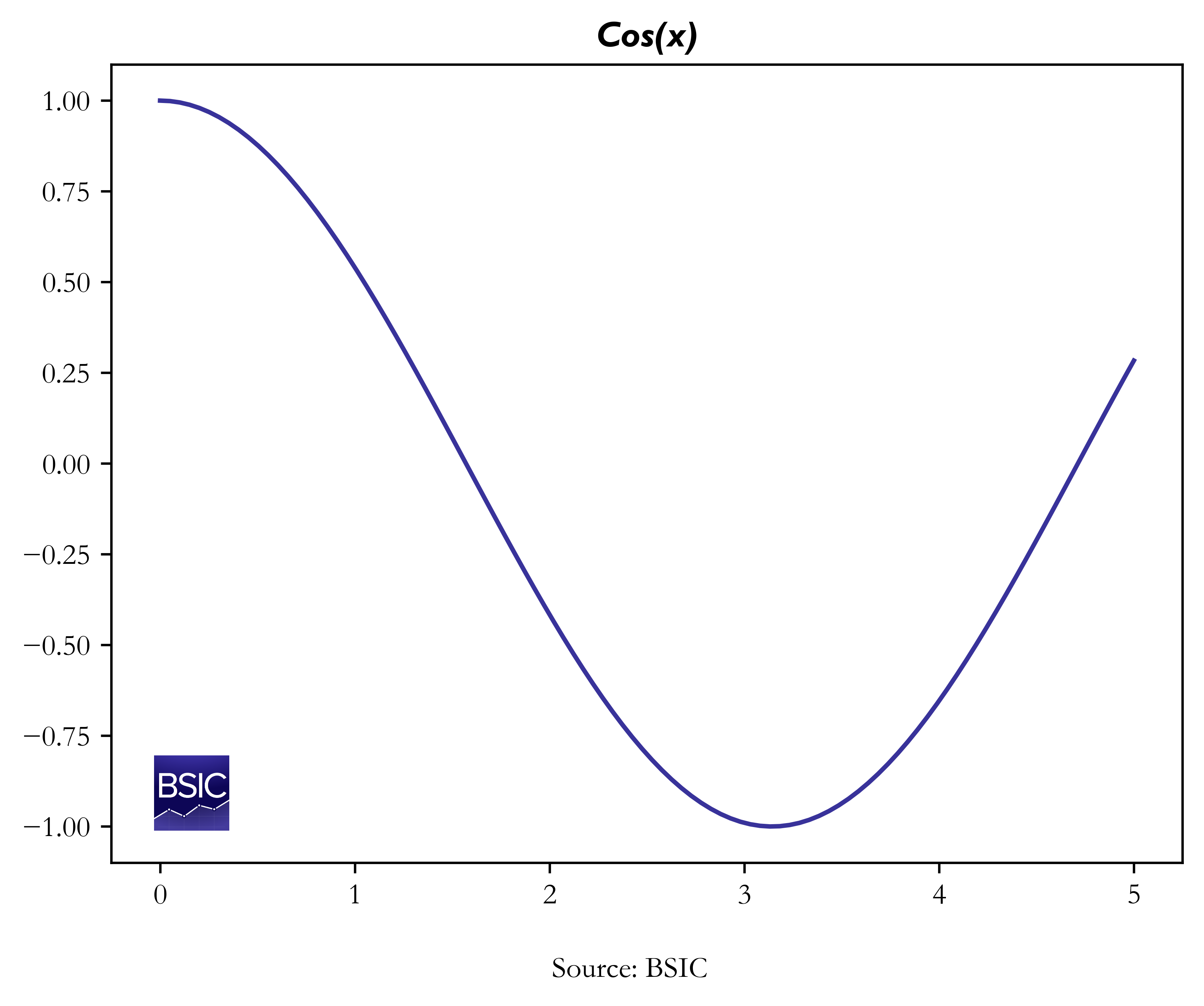
from mpl_bsic import apply_bsic_style, apply_bsic_logo

import matplotlib.pyplot as plt

x = np.linspace(0, 5, 100)
y = np.cos(x)

fig, ax = plt.subplots(1, 1)
ax.set_title('Cos(x)') # set the title before applying the style
apply_bsic_style(fig, ax)
apply_bsic_logo(
    fig,
    ax,
    location='bottom left',
    scale=0.05,
    logo_type='square', # use the square logo
    closeness_to_border=25 # make the logo closer to the border
)

ax.plot(x,y)
run_animations(fig) # only needed for the docs, don't call in the actual code
(
Source code,png,pdf)